Free on Android · 3 identifications a month on the house English · Português · Français · Deutsch
A sunlit greenhouse full of potted plants

Every plant you own,
remembered

Get the app

Identification

From a photo to a care guide

Photograph a plant and PlantVault names the species, says how sure it is, and writes its care guide. Already know what it is? Search the catalogue by name or code — no photo, nothing counted.

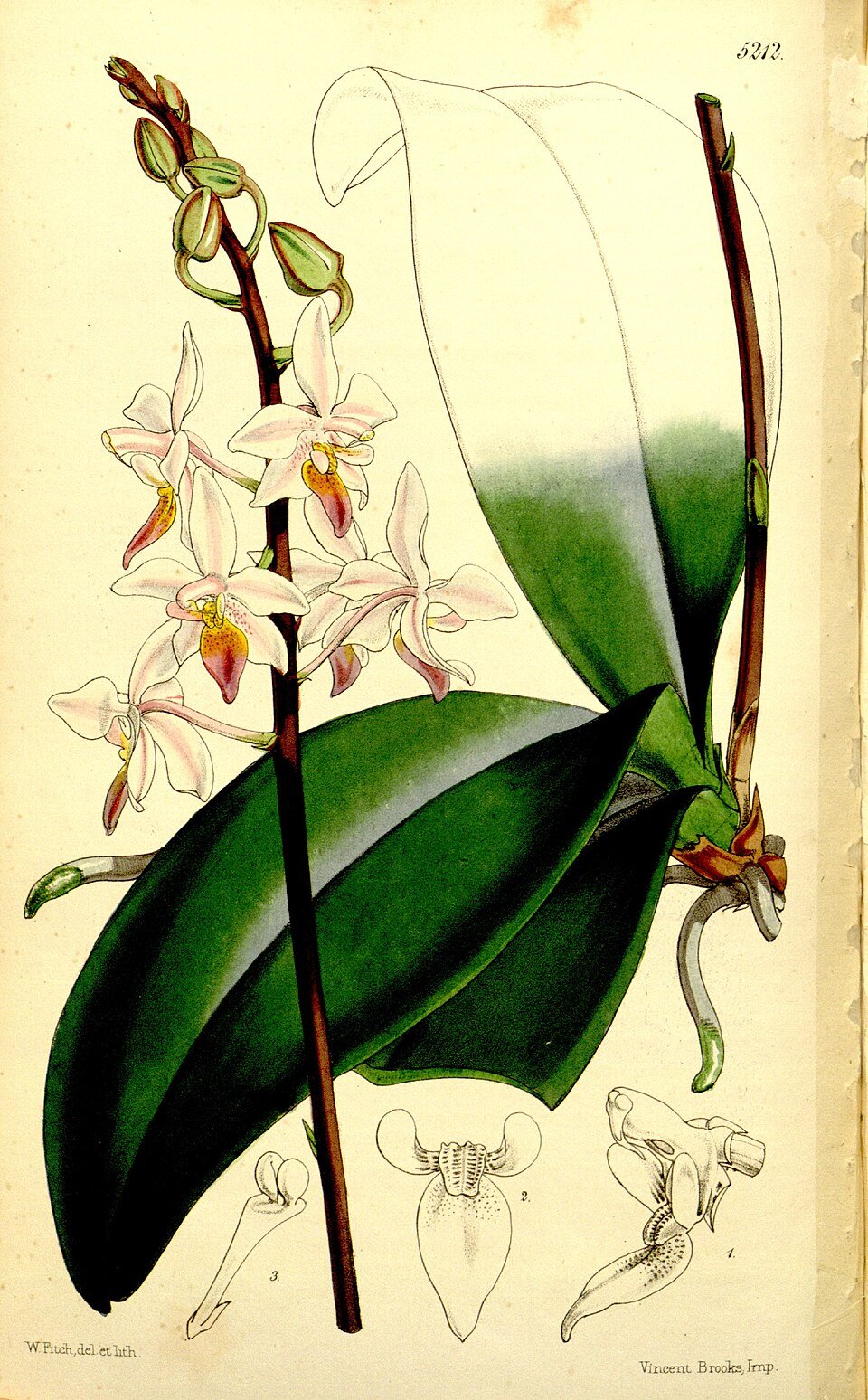
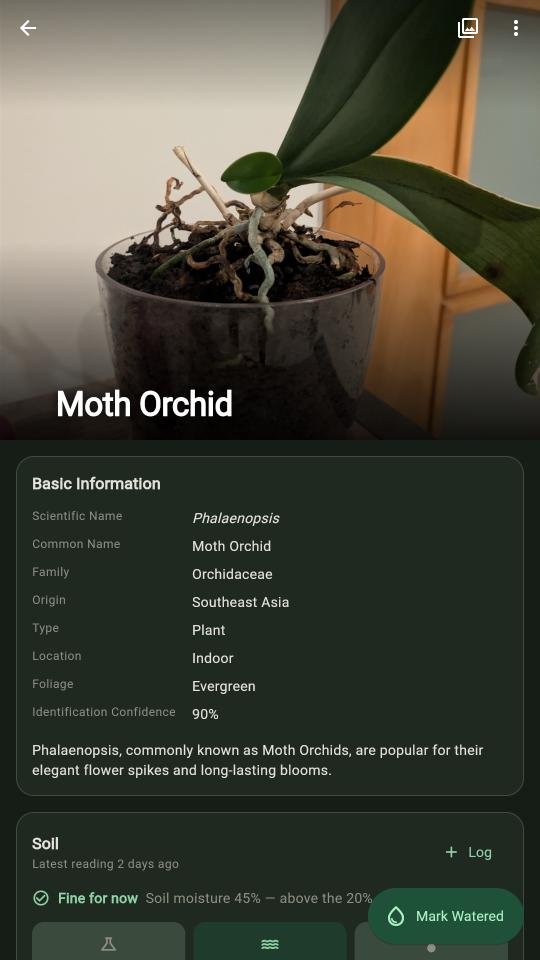
Phalaenopsis→Moth Orchid
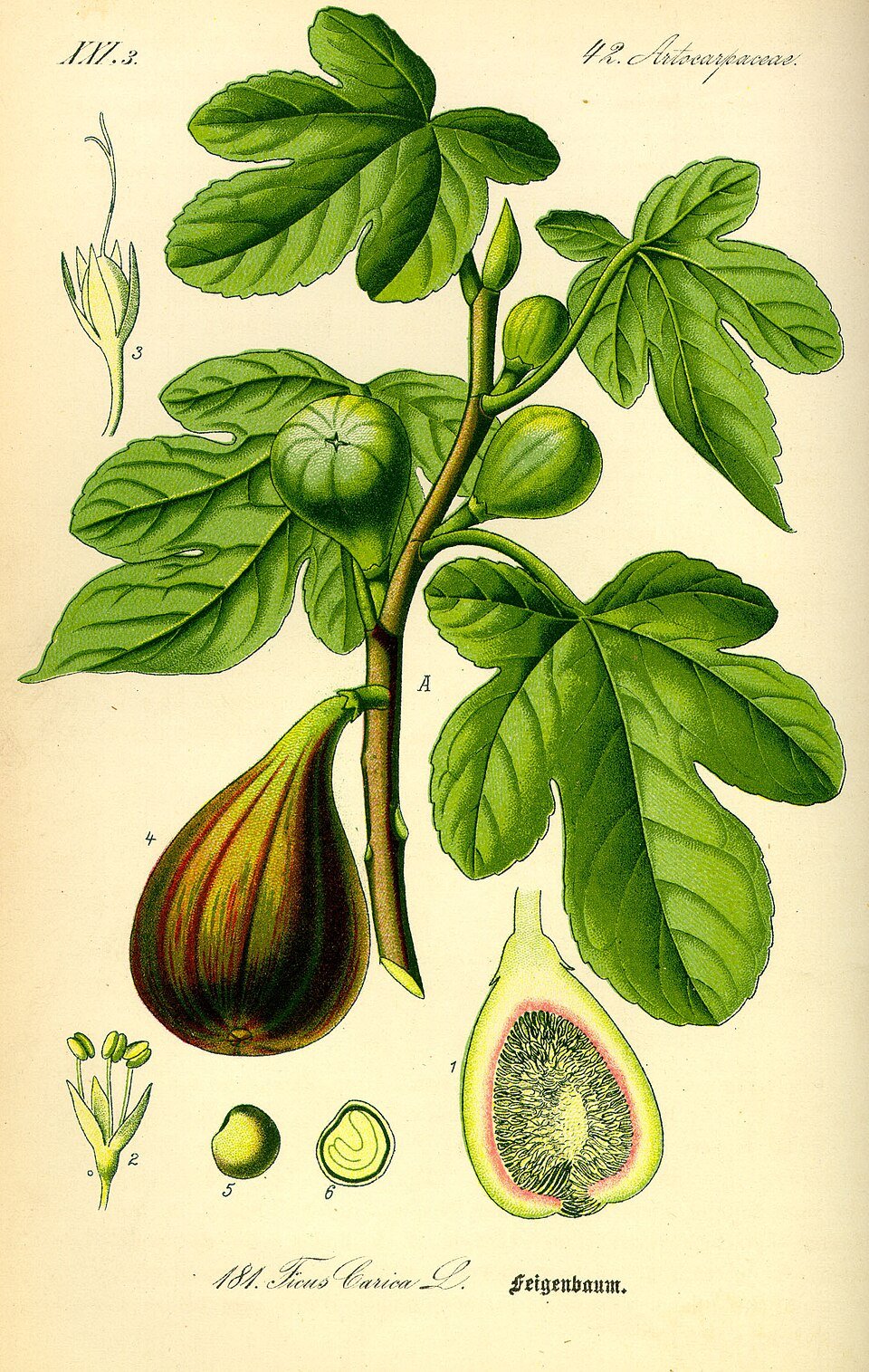
Ficus carica→Common Fig

Care that reads the weather and the soil

Each plant keeps its own history. PlantVault uses it to decide what needs doing today.

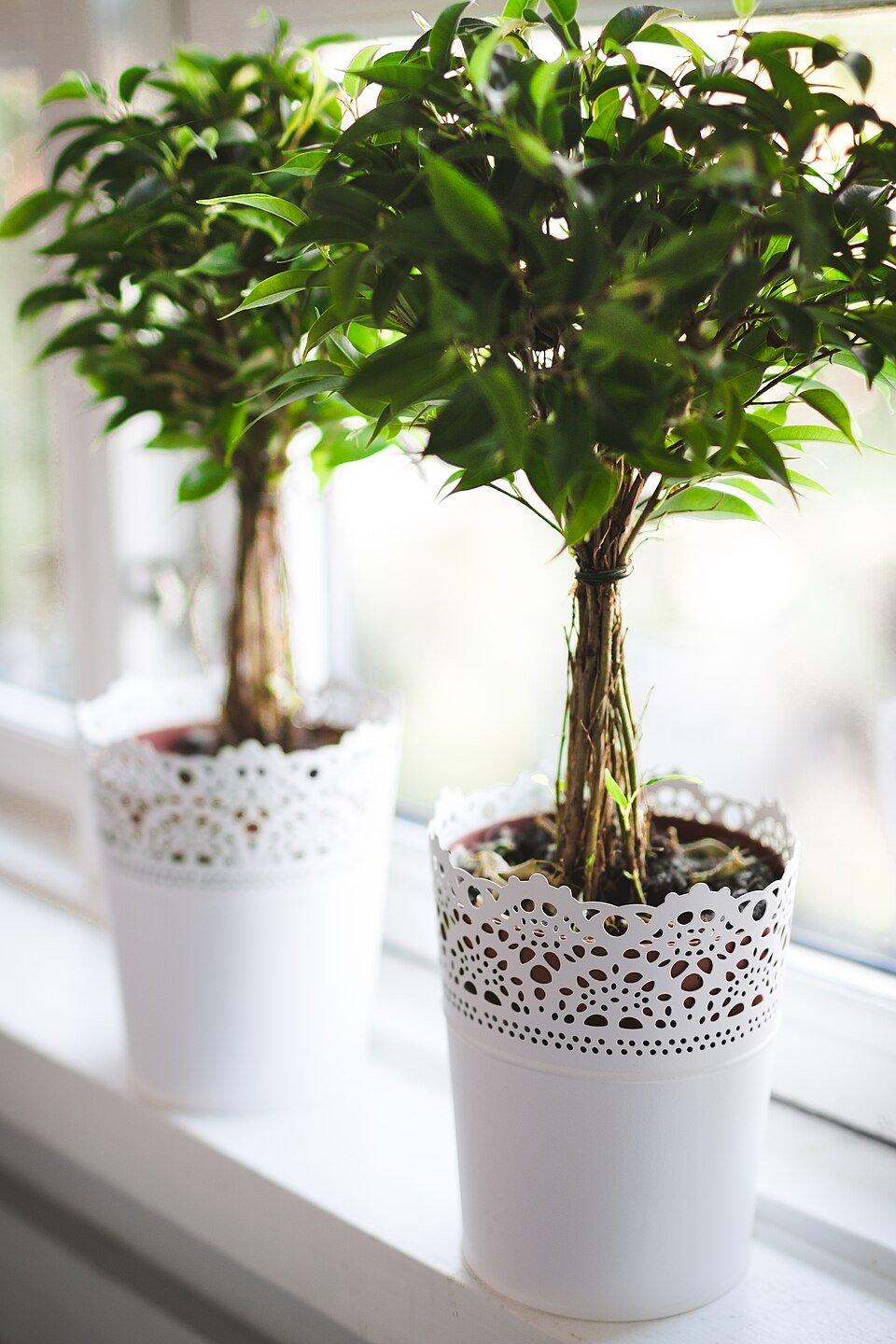
Potted trees on a bright windowsill

Watering

Rain did the watering — 12 mm in the last 2 days

Schedules come from the care guide and the last watering. Outdoor rooms also check two days of rainfall at that home, and a soil-moisture reading beats the calendar. One tap to water, with undo.

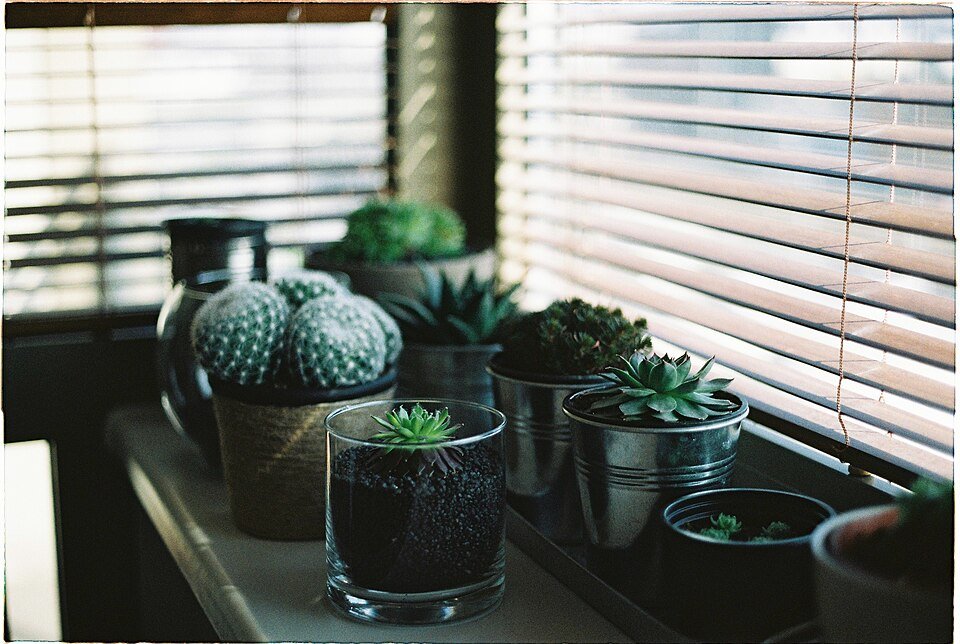
Succulents and cacti in pots by a window

Soil readings

Soil moisture 45% · ideal 20–60%

Log pH, moisture and soil temperature whenever you take them, with a note or photo. Each reading is shown against that plant's ideal range.

Dark monstera leaves

Health checks

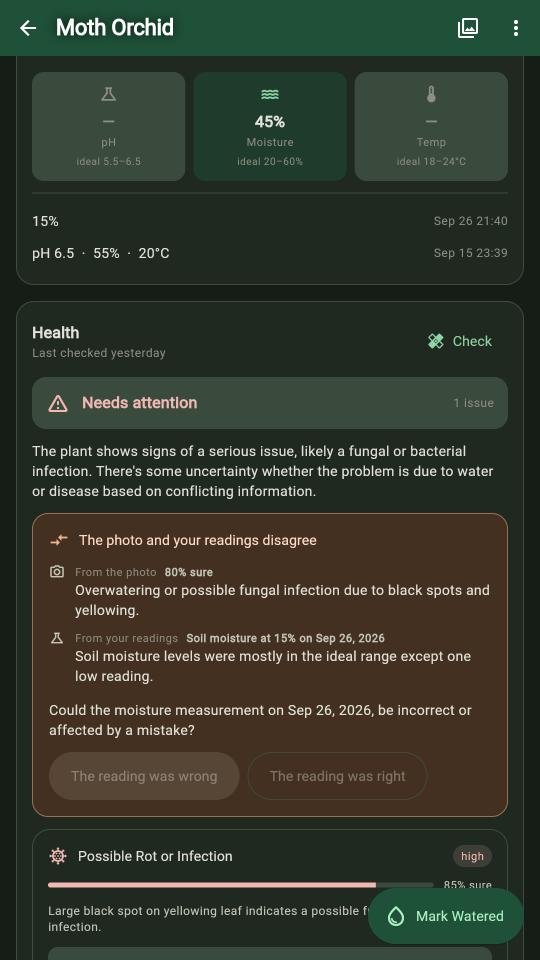
The photo and your readings disagree

Photograph the leaves, stem or soil. The check reads the picture alongside the plant's own readings, so it can tell overwatering from drought — and asks when a measurement looks wrong.

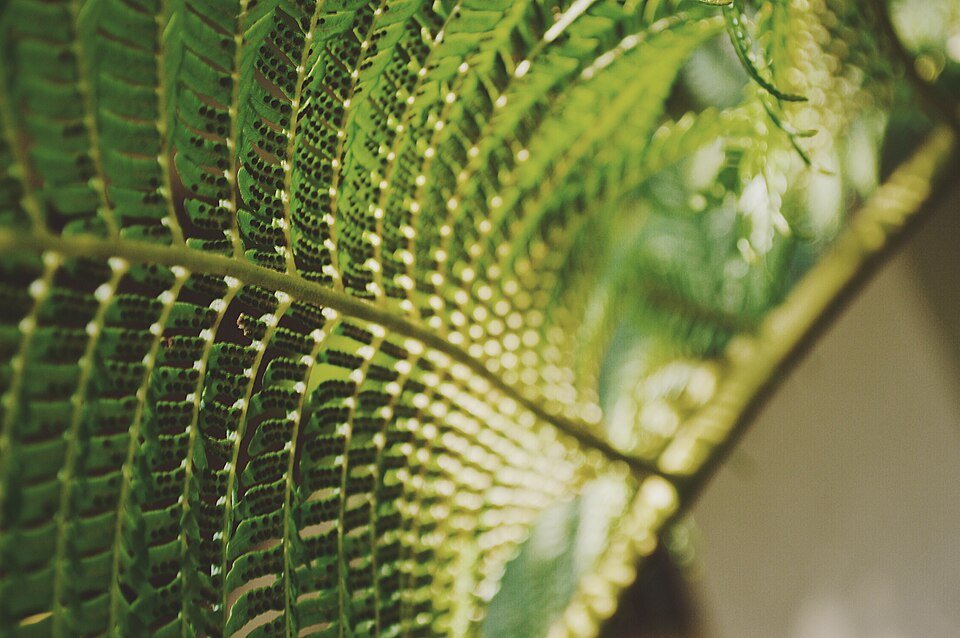
NEW A single fern frond against a dark background

Pruning

Pruning season now · Best until the end of February

Best months, months to avoid, tools, steps and aftercare for every plant. A reminder on the first morning of its season — with months flipped for the Southern Hemisphere.

Set up your collection in minutes

The way you'd describe it to a friend: which house, which room, which plant.

1. Add a home

As many as you look after. Star one as your favourite.

★ Rio Maior
2 divisions · 3 plants
22°C · light rain
Vacation House
1 division
›

2. Divide it into rooms

Indoor is sheltered. Outdoor lets rain count as watering.

Living room
Sheltered from the weather.
Indoor
Backyard
Rain counts as watering.
Outdoor

3. Add your plants

From a photo, or by name. Move them between rooms anytime.

Identify from a photo
AI recognises the species and fills in its care guide.
I know what it is
Search by common name, scientific name or code.
Free
Start with one plant

Inside the app

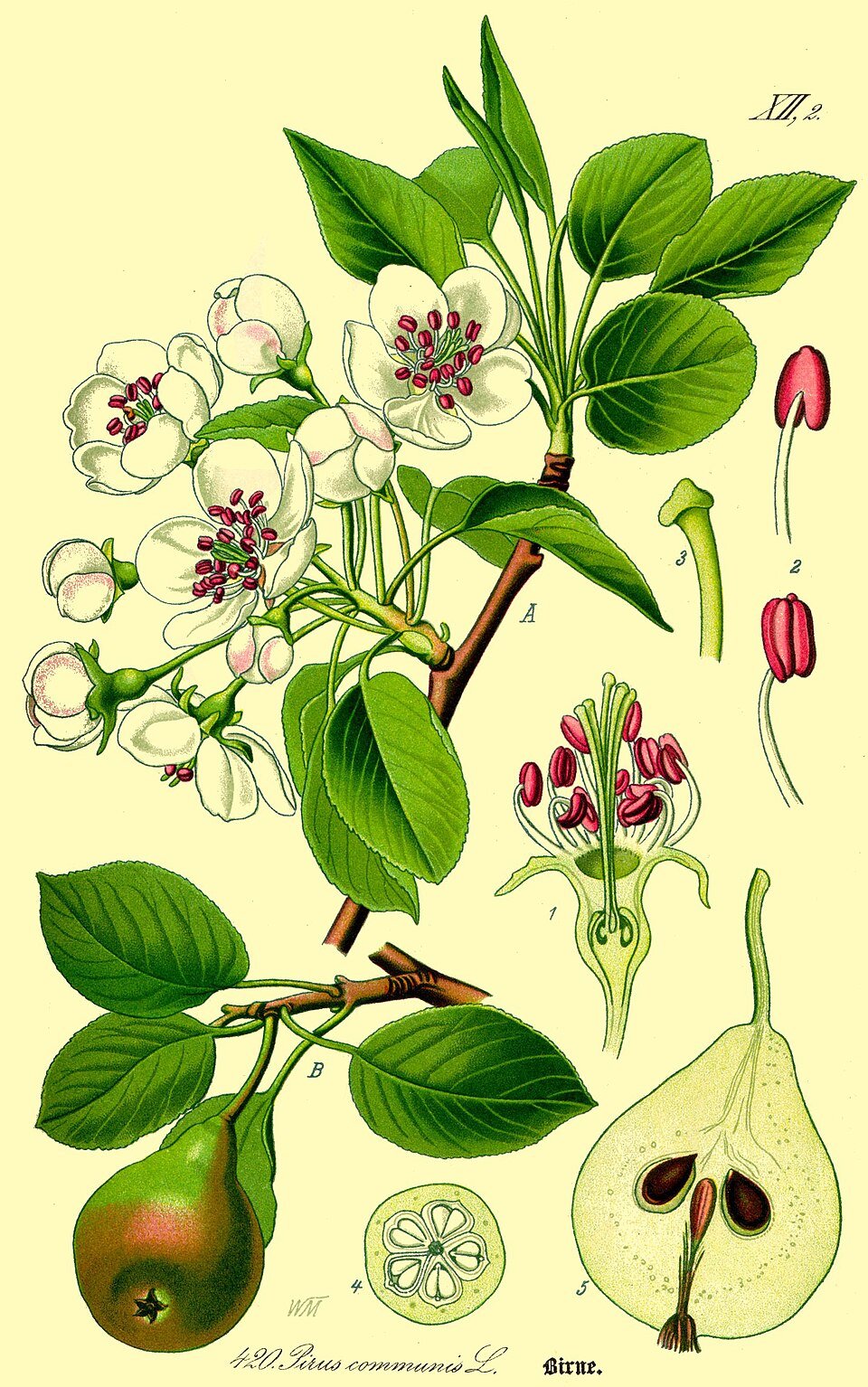
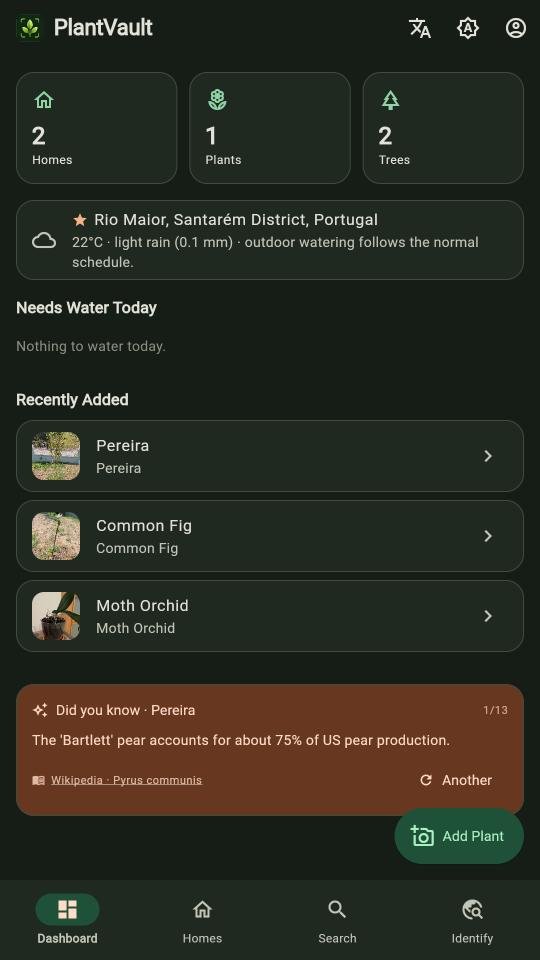
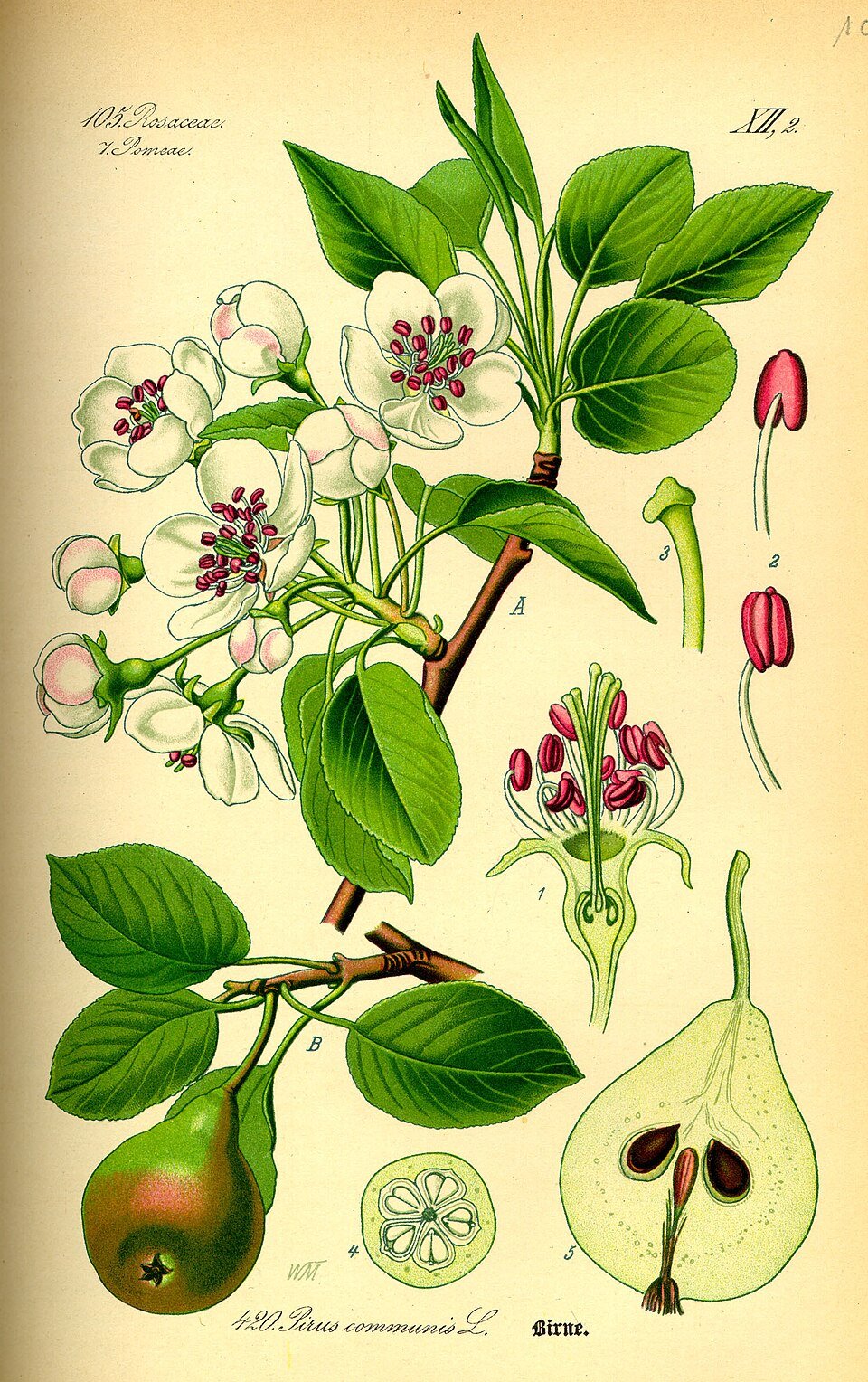
Real screens from a real collection — two homes, a pear tree, a fig and an orchid.

Dashboard with weather, plants to water and recent additions
DashboardToday

Weather per home, what needs water, and a fact about one of your plants.

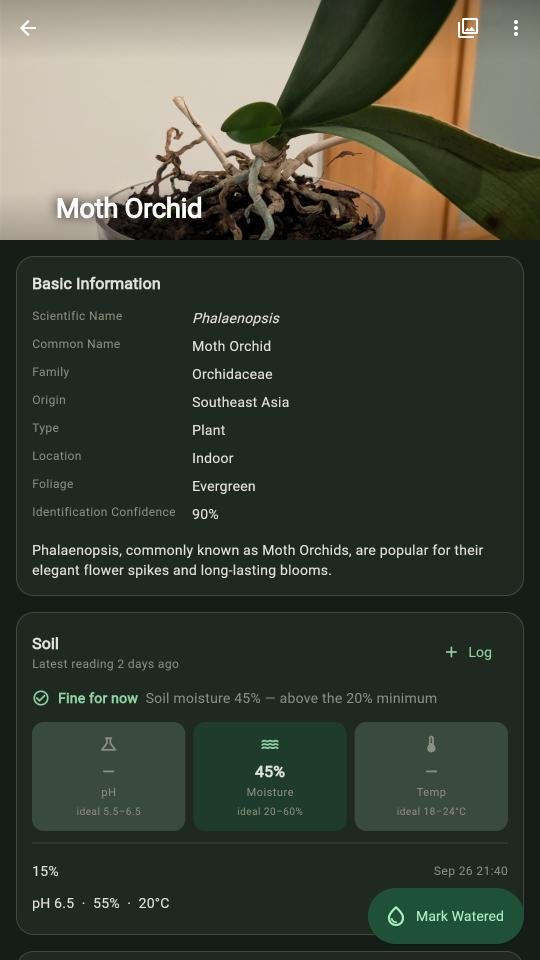
Moth Orchid plant page
Plant pagePhalaenopsis

Species, family, origin, confidence, care guide and timeline.

Soil readings against ideal ranges
SoilpH · moisture · temp

Every reading kept, latest first, against the ideal range.

Health check result
HealthNeeds attention

Issues with confidence, and where photo and readings disagree.

Will it grow at your place?

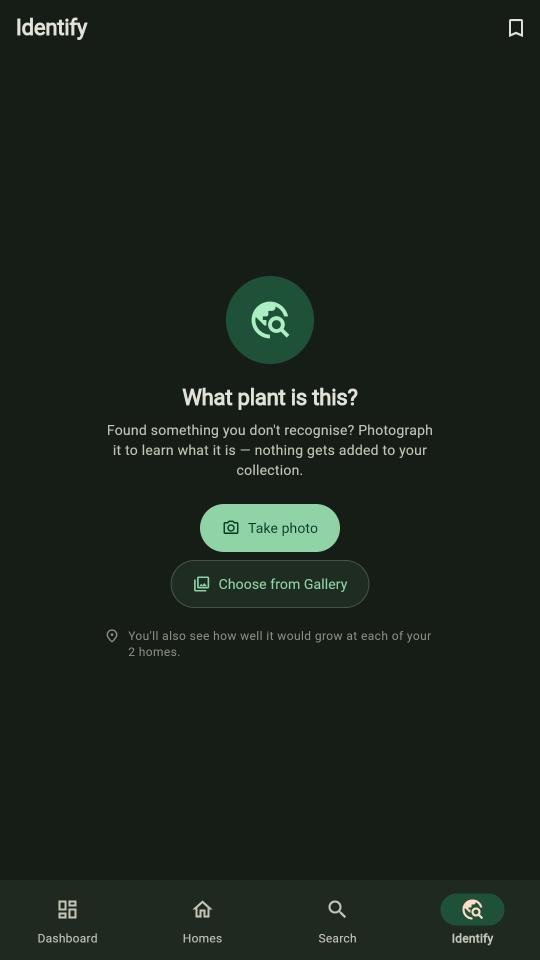
Photograph something you don't recognise — at a nursery, on a walk, in a friend's garden. Nothing gets added to your collection.

The Identify screen asking what plant this is

What plant is this?

The species, what it's easily confused with, and its other common names.

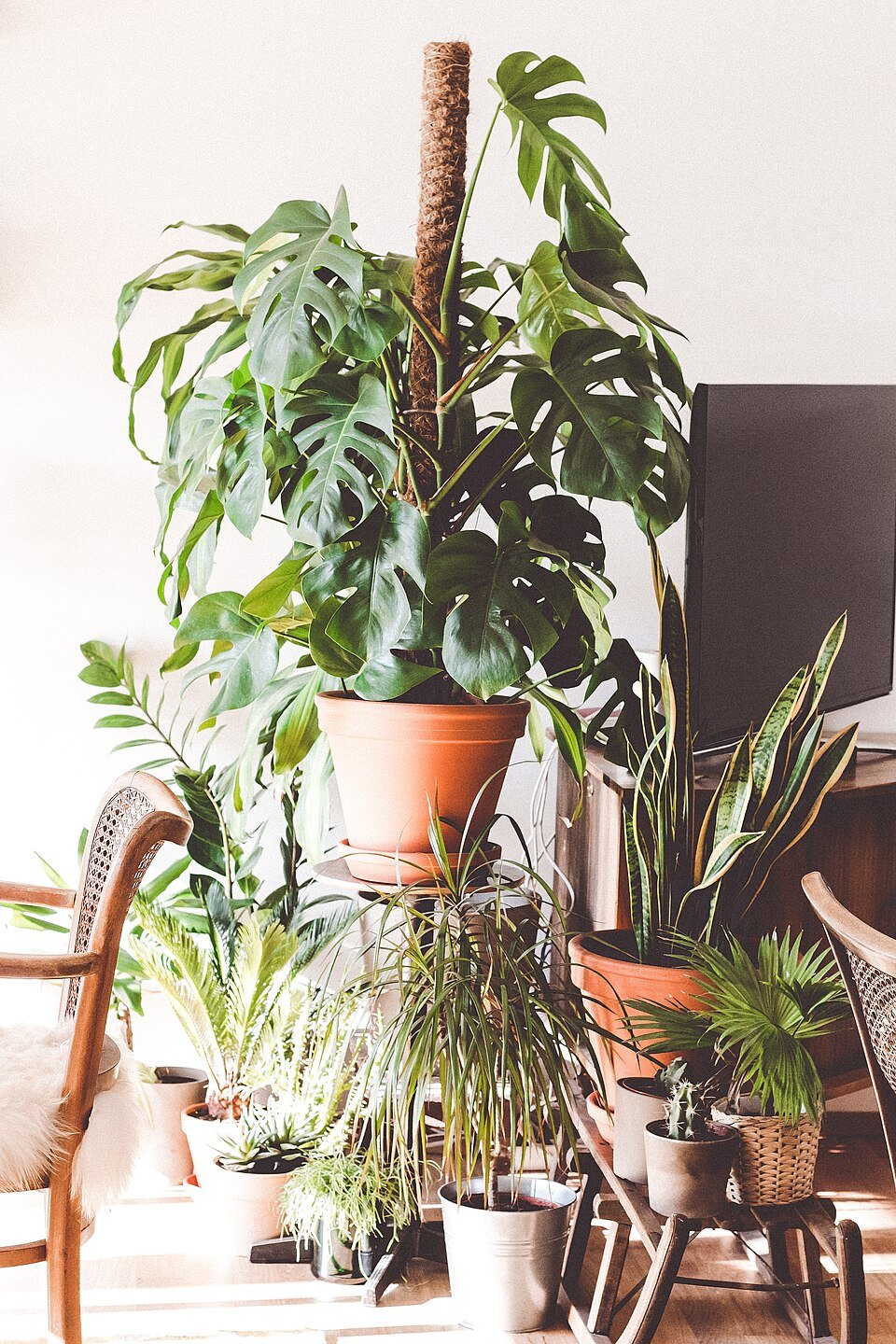
A living room corner full of plants
Thrives hereGrows well · Needs effort · Better indoors · Not suited

A verdict for each home

Rated against where every one of your homes actually is.

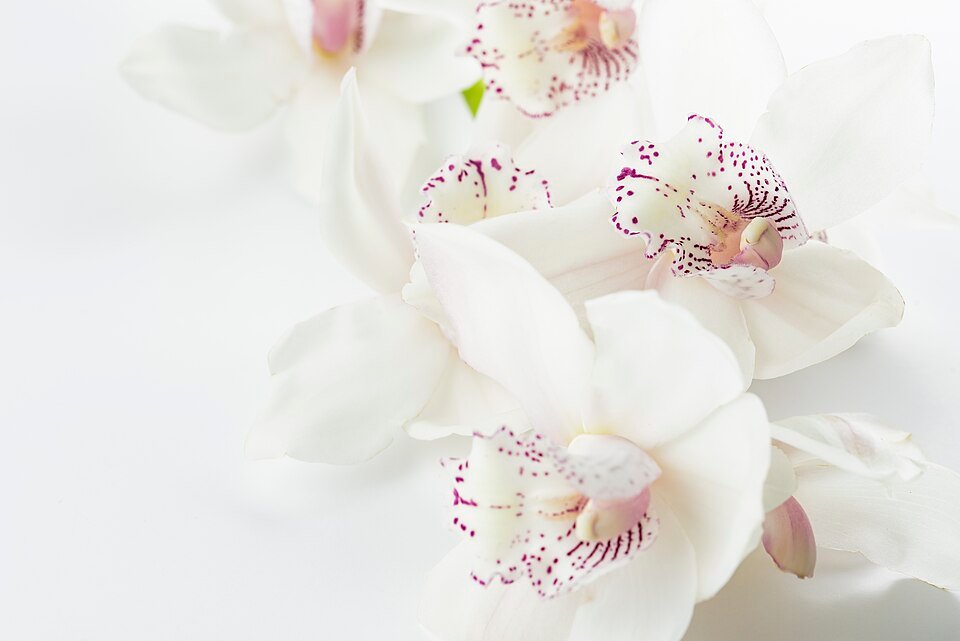
White orchid flowers

Save it to your wishlist

With the photo you took and the home where it would do best.

Fern leaves

When to plant, when to repot

The months are remembered, so you know when to buy it.

Every care guide · in four languages

Sixteen things every plant tells you

Written for the species when you add it, kept with the plant, and refreshable from the menu.

Watering
Sunlight
Soil
Soil pH
Soil moisture
Ideal temperature
Humidity
Fertilization
Repotting
Pruning
Growth rate
Mature size
Flowering season
Fruit season
Hardiness zones
Toxicity

Plus the common pests and diseases to watch for.

Offline-first · four languages · yours to delete

Made to be kept for years

A plant collection outlives phones. PlantVault keeps every photo, watering, reading and health check in your account, works in the garden with no signal, and syncs once you're back online.

"Use it instead of deleting when a plant is gone but worth remembering."

— on the archive, which keeps a plant's photo and full history, read-only.

Works offlinechanges queue and sync later
No GPSyou type a town; only rain is checked
Light & darkor matching your phone
Read the details
Dense dark green leaves
PlantVault
Plant journal

Free to keep a collection

Only the features that read a new photo of yours are counted, and the count resets on the 1st of every month.

Free

€0 · per month
Identifications3
Health checks2
Scouting5

Your plan and this month's usage are always visible in Settings.

Premium

Coming soon · not available to buy yet
Identifications30
Health checks30
Scouting60

A safety cap rather than a paywall. If you hit it in normal use, tell us and we'll raise it.

Unlimited on every plan: homes, rooms and plants · catalogue search · watering and weather · soil readings · photos · pruning guides and reminders · wishlist · archive.

"Your plants and their history stay exactly as they are — only new AI requests are paused."

Questions, answered

Which phones does it run on?+

PlantVault is an Android app. Your collection lives in your account, so it's the same on every Android device you sign in on.

What happens to the photos I take?+

Photos are stored with your plants. For an identification or health check, the photo goes through our server to OpenAI without your email attached; under OpenAI's API terms it isn't used to train their models. The privacy policy lists every service involved.

Why does it ask for my home's location?+

Only to check rainfall and temperature at that home with Open-Meteo, so outdoor plants come off the list after a good rain. You type a town or city — the app never reads your phone's GPS. Homes without outdoor rooms don't need one.

How accurate is identification?+

Every result shows its confidence and what it's easily confused with. If it's unsure, retry with a clearer, well-lit shot of the leaves, or search the catalogue and pick the species yourself.

I live in the Southern Hemisphere. Do the seasons work?+

Yes. Pruning months and reminders are converted for the Southern Hemisphere, and the guide tells you when it has done so.

What if I run out of identifications this month?+

Nothing you have is affected. Watering, readings, guides and search keep working; only new identifications, health checks or scouting wait for the next month. The app shows the date it resets.

How do I delete my account?+

In the app, tap the account icon on the Dashboard, then Delete account. Your homes, rooms, plants, photos, measurements, health checks and wishlist are deleted immediately and permanently.